
Apps · Finance
Accounting
Keep a clean set of books — the general ledger, bank reconciliation, tax handling and a smooth period close.
The Accounting app is a full double-entry general ledger. It records every financial event in the business, reconciles against your bank, computes the right taxes, and produces the statements your accountant and your tax authority expect.
Core concepts#
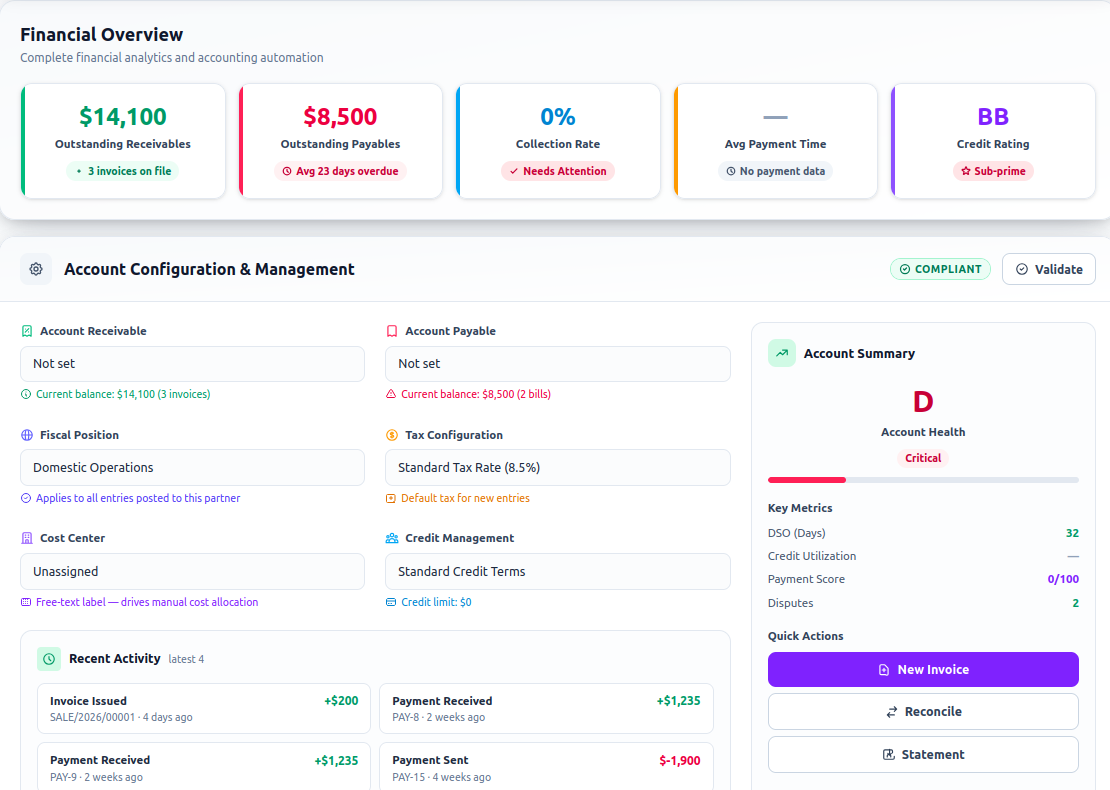
Quelixa accounting rests on a few familiar building blocks. If you've used double-entry books before, these will be second nature.
| Term | Meaning | | --- | --- | | Journal | A book of entries of one kind — Sales, Purchases, Bank, Miscellaneous. | | Journal entry | A balanced set of debit and credit lines posted to accounts. | | Account | A line in your chart of accounts (e.g. Bank, Trade Receivables, VAT Payable). | | Reconciliation | Matching a bank line to the invoice or bill it pays. |
You rarely post journal entries by hand. Confirming an invoice, paying a bill or running payroll posts the correct entry for you. Manual entries are reserved for adjustments and opening balances.
Connect your bank#
The fastest path to clean books is a live bank feed. Transactions flow in automatically and Quelixa proposes matches.
- Add a bank account
Go to Accounting → Configuration → Bank Accounts and add yours. Where supported, connect a live feed; otherwise import statements as CSV/OFX.
- Let statements flow in
New bank lines appear in the Reconcile view as they arrive — no manual entry.
- Reconcile
Quelixa suggests the invoice or bill each line pays. Accept the match, or split and adjust. Reconciled lines post automatically.
Set up rules for recurring lines — bank fees, transfers, subscriptions — so they reconcile in one click every time. Nova · Aurora Nova can suggest these rules from your history.
Taxes#
Your localized chart of accounts arrives with the tax codes for your market already configured. When you raise an invoice or enter a bill, Quelixa applies the correct rate, posts the tax to the right account, and keeps a running figure for your return.
Invoice line:  100.00  (Standard-rated)
Tax 5% VAT:      5.00  → VAT Payable
Total: 105.00At period end, the Tax Report gives you the return in your authority's format, broken down by box, with drill-down to every contributing entry.
Once you've filed a return, lock the period under Accounting → Lock Dates so no one back-dates an entry into a closed month. This keeps your filed figures and your books in agreement.
The period close#
- Reconcile every bank account
The reconcile view should be empty — every line matched.
- Review the unposted entries
Clear any drafts. Post or delete them so nothing dangles.
- Check the key reports
Glance at the P&L and Balance Sheet for anything that looks off. Drill into surprises.
- Lock the period
Set the lock date. The month is closed.
Reporting#
Out of the box you get the Profit & Loss, Balance Sheet, General Ledger and Aged Receivable / Payable reports, each interactive and drillable to the underlying entries.
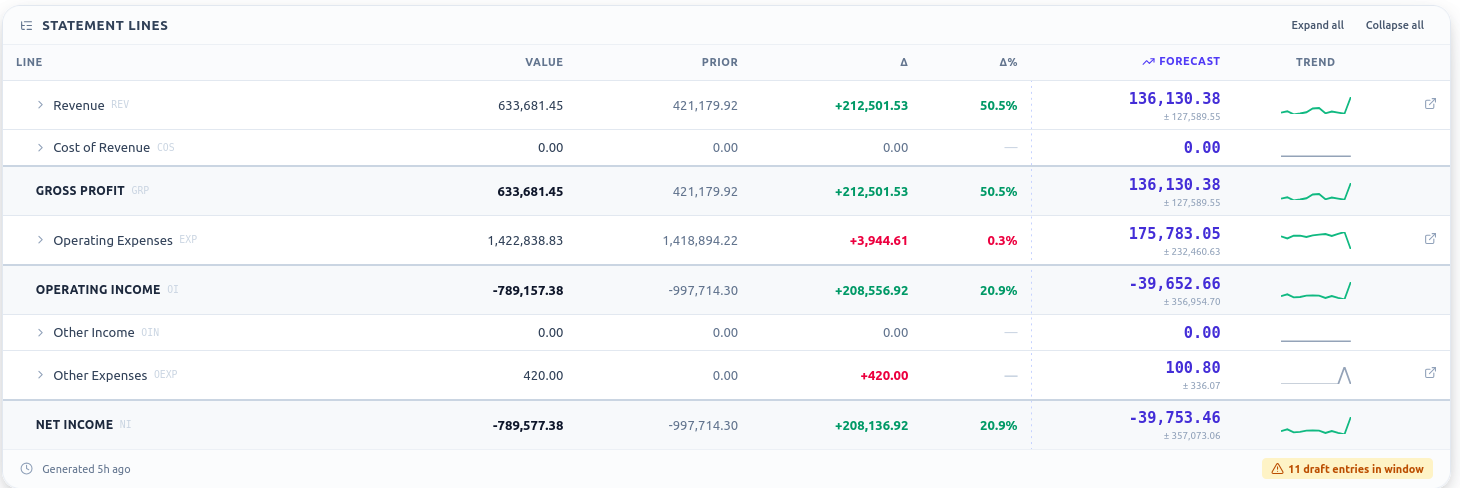
Insight · Fusion The Fusion edition adds the Financial Reporting and Executive dashboards — cash position, runway, margins and board-grade digests — refreshed live. See Quelixa Intelligence for the full set.